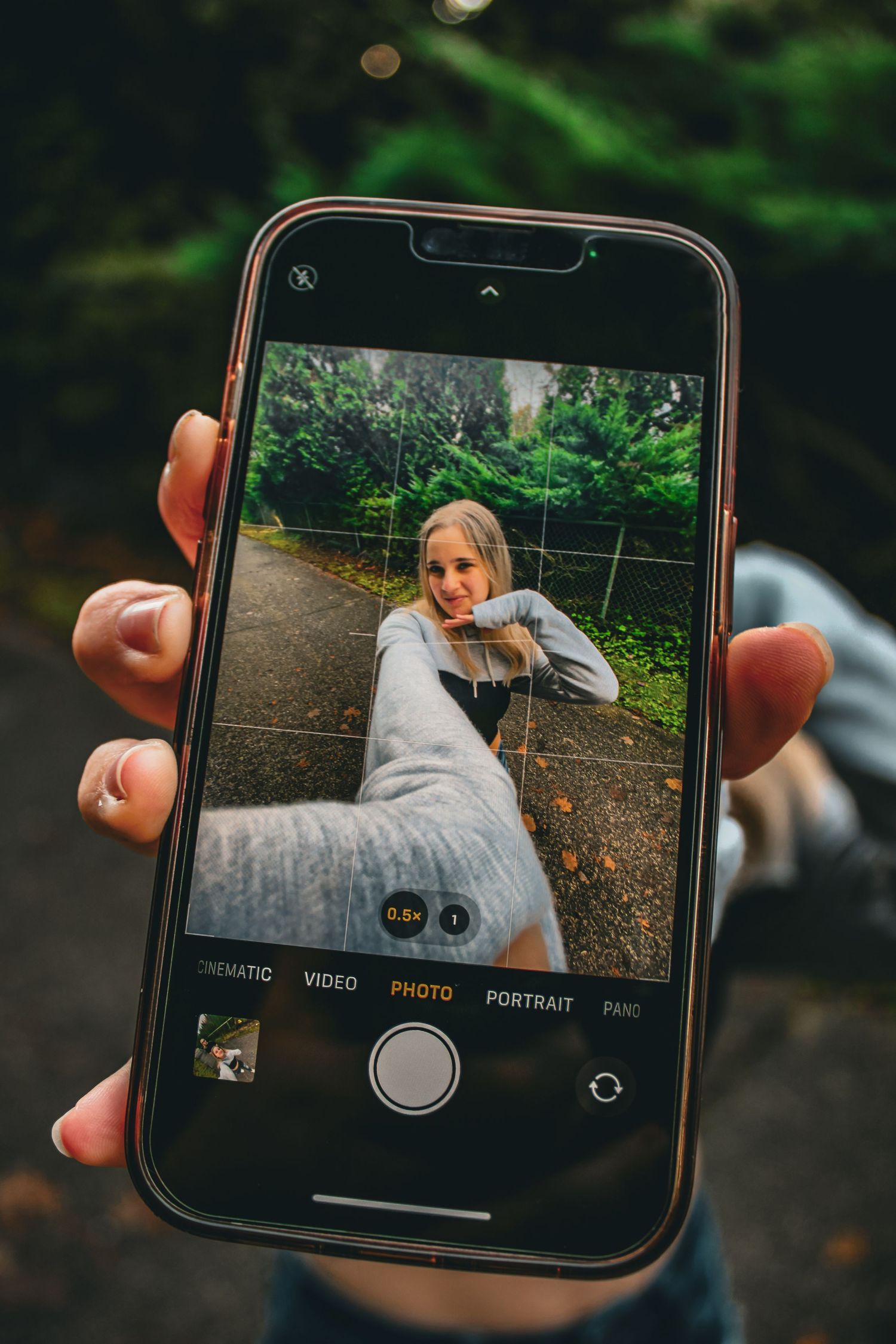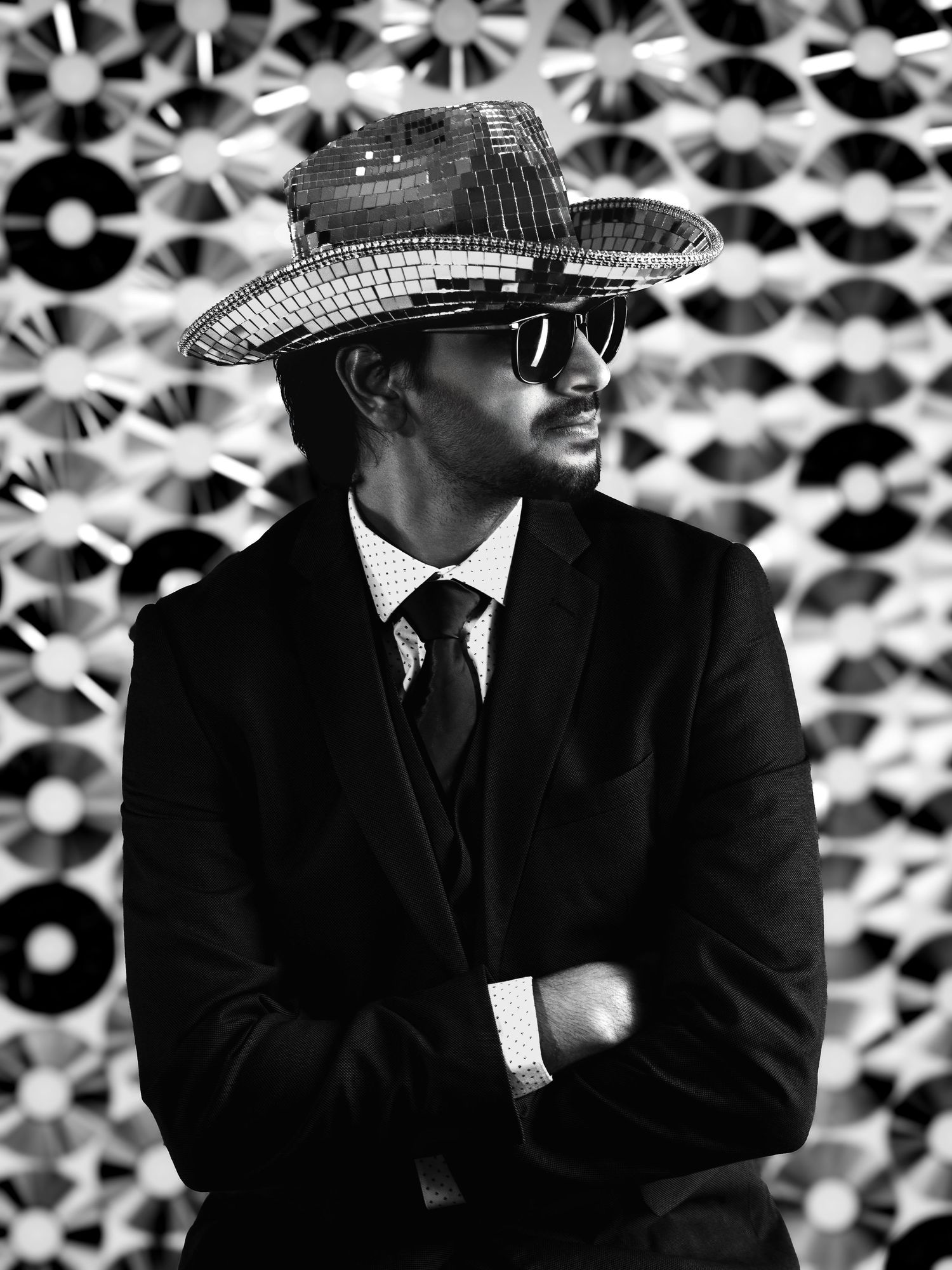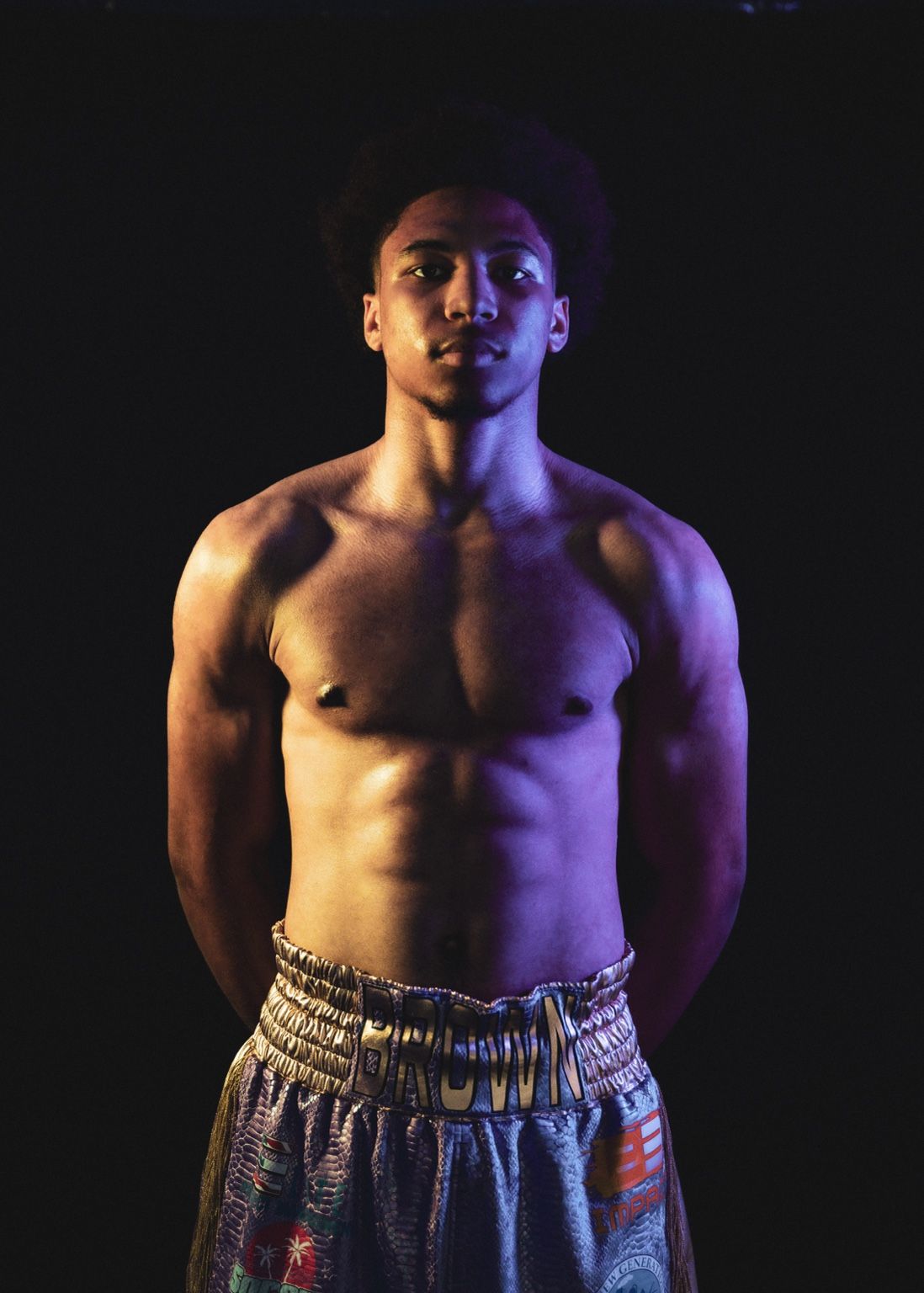
Phone cameras are really good now. There’s no point pretending otherwise. Put someone in our Langley photography studio with a properly planned setup, a suitable background and good available light, and a phone can take a genuinely good photograph. We know because we do it all the time. While Hayley is photographing someone, we often take behind-the-scenes photos or video on a phone. The phone version can look great. Then we see the photograph from Hayley’s camera. It isn’t the same.
So, what creates the difference between professional photos and phone photos when both are taken in the same place?Sometimes the difference doesn’t matter. A phone photo may be exactly what you need. But when the photograph has to be edited, cropped, printed or used throughout a business, it starts to matter quite a bit.
First, the Phone Is Getting a Considerable Head Start
Good lighting helps every camera. So does an appropriate background, careful positioning and having someone notice the cord or random object sitting at the edge of the frame. A phone photo taken in our studio will usually look better than one taken under office lighting against whichever wall happened to be empty. Someone has already created the right conditions for it. The lighting didn’t arrange itself. The person didn’t automatically land in the right place. The background wasn’t selected by accident. By the time someone lifts the phone, a considerable amount of the work has already been done. The phone gets to show up at the end and take some of the credit. Comparing a professional studio photograph with a badly lit selfie doesn’t tell us much. That argument was over before it started. The better comparison is what happens when both cameras are used in the same carefully prepared setting.
What Is the Camera Actually Capturing?
This is normally where somebody mentions sensor size and everyone else quietly stops listening. Unfortunately, it does matter. A professional camera generally records more information through the highlights, shadows and smaller changes in colour and skin tone. You may not see an enormous difference while looking at both images on a six-inch screen. Start editing, cropping, enlarging or printing them and the difference becomes much harder to miss. The phone has also edited its photograph before you see it. It may combine several exposures, brighten the face, open the shadows, adjust the colours, reduce noise and sharpen the details. Usually, it does a very good job. The image looks finished immediately, which is exactly what a phone camera is designed to provide.
It just doesn’t know what Hayley intended. If she deliberately created deeper shadows or stronger contrast, the phone may decide those are problems and fix them without being asked. Very helpful of it ;) . A professional camera file retains more of the original image information. That gives us room to make our own decisions about exposure, colour, contrast and skin tone during editing. The professional camera doesn’t automatically win simply because it’s larger and considerably more expensive. The lens, settings, lighting and person operating it still matter. What it gives us is control—and a file that can handle much more before it begins to fall apart.
About Your Face…
Modern phones may have several built-in lenses, but people still tend to hold them fairly close when taking a headshot or selfie. That close shooting distance can exaggerate whichever features are nearest the camera. It’s why you can look perfectly normal in the mirror, take a phone photo and suddenly appear to have acquired an entirely different face. Hayley chooses the lens and shooting distance based on the person and the photograph she’s creating. This controls facial perspective, how much of the background appears and how the person relates to the space around them.
It isn’t about making someone look like somebody else. It’s about not accidentally changing their appearance because the camera was six inches from their face. That matters in a professional headshot, where the face fills most of the frame and even small changes in angle, perspective and expression become noticeable. The image also needs to crop properly for LinkedIn, company websites, email signatures and professional directories without losing half the person or reducing the image quality. Different lenses allow us to create close headshots, three-quarter images and wider environmental photographs without everything becoming a slightly different version of the same shot.
Then there’s Portrait Mode. Depending on the phone, it may use software, multiple cameras or depth information to separate the subject from the background and add blur. When it works, it can be very convincing. Hair, glasses and detailed edges occasionally have other plans. A professional camera creates depth optically through the lens, aperture and physical distance between the camera, person and background. Hayley can decide whether the background should remain sharp, become gently softened or almost completely disappear. Sometimes the background is an important part of the photograph. We’d rather not have the phone decide otherwise on our behalf.
Are They Really Using the Same Studio Lighting?
Not always. Much of our studio lighting is flash. The lights connect with Hayley’s camera and fire at the exact moment she takes the photograph. A phone doesn’t normally trigger professional studio flashes. It may be standing in the same studio without actually capturing the same light. Instead, it may record the room’s general lighting or the modelling lights rather than the full flash setup. When we use continuous lighting, both devices can benefit from the same source. They may still record it differently. A phone may brighten the shadows, reduce the contrast or shift the colour automatically. Studio lighting isn’t simply there to make sure we can see the person. It shapes the face, creates depth and affects the mood of the entire photograph. If Hayley created a shadow deliberately, she probably doesn’t want the phone charging in to remove it.
Where This Really Matters for Branding
A phone can produce one very good branding photograph, especially when the lighting, background and positioning have already been prepared. The problem is that a business rarely needs one good photo. It may need a close professional headshot for LinkedIn, a horizontal banner for its website, vertical photographs for social media, images of the owner working, details of products or equipment and wider photographs that show the space.
Some images need to fill the frame. Others need clear space for text or graphics. All of them should look like they belong to the same business. One photograph cannot always be forced into every one of those jobs. A vertical image that works perfectly on Instagram may be useless as a horizontal website banner. You can try cropping it, but eventually someone’s ear becomes the main feature of the homepage.
During a professional branding session, Hayley considers where the images may be used while she creates them. That changes the lens, angle, orientation and composition. The professional files provide more flexibility when an image needs to be cropped, but the planning matters just as much. Thirty attractive photographs that all do exactly the same thing aren’t much of a branding library. Commercial photography can ask even more of the file. An image may be needed for advertising, product packaging, a large display, printed campaign materials or a website banner. The final use affects how the photograph is lit, framed, cropped and delivered. A photo that looks good on Instagram may not contain what a designer needs to build an advertisement around it.
And Then We Leave the Studio
On-location branding and commercial photography bring an entirely different collection of problems. A business may have window light, overhead lights, dark corners, reflective surfaces and several colours of light within the same room. We may move outside, back inside and then into another area where the lighting is completely different. The weather can also change halfway through because it’s British Columbia and apparently consistency would be too much to ask.
A phone will try to correct each situation automatically. It may do a good job on the individual photographs while producing noticeable changes in exposure, white balance and colour from one image to the next. That inconsistency becomes much more obvious when the photographs are placed together on a website.
Hayley can adjust for the changing conditions, select appropriate lenses and use portable lighting where practical. At the same time, she’s planning what the business will need from the complete library. That might include wide photographs of the location, close images of someone working, vertical social media content, horizontal website banners and photographs with enough open space to add text. Each image needs to work on its own without looking as though it came from a completely different business.
The collection also needs enough variety that the same three photographs aren’t still being used four years later simply because they were the only ones that cropped properly. For on-location sessions, we work with businesses throughout Langley and surrounding Fraser Valley communities. One session may take us from a bright storefront to an office, treatment room, workshop or outdoor space—all with completely different lighting.
Printing Is Far Less Forgiving Than a Phone Screen
Portraits are often printed, framed, enlarged or kept for years. A photograph that looks beautiful on a phone can become much less impressive once it’s printed. Phone screens are small, bright, backlit and forgiving. Printing is not.
Even getting a phone photo printed at the local drugstore may require more adjustment than people expect. The image first has to fit the selected print size. A phone photograph doesn’t necessarily have the same proportions as a 4 × 6, 5 × 7 or 8 × 10 print. Those sizes aren’t interchangeable. If nobody checks the crop, something has to go. Frequently, the printing machine appears to develop a personal issue with the top of someone’s head. Brightness and colour can change too. A screen shines light through the photograph; a print does not. An image that looks bright and colourful on a phone may print darker or flatter than expected.
Then there’s the file itself. The original, full-resolution phone photo may produce a perfectly good small print. The version downloaded from social media, sent through certain messaging apps or saved as a screenshot may have been compressed—sometimes repeatedly. It can still look fine on a phone while containing very little information for printing.
The image may need to be resized, brightened, sharpened, colour-corrected and cropped for the specific print. With a professional camera file, we generally have more information and far more room to make those adjustments properly. We can also prepare the crop ourselves instead of leaving a machine at the drugstore to make artistic decisions on our behalf. Phone photos can absolutely be printed. There’s simply a difference between “this looks good on my screen” and “this has been properly prepared for print.”
Most of us have thousands of photographs on our phones and rarely go back to look at them. In a world where we’re trying to spend less time staring at screens, printing the ones that matter feels increasingly important. A physical photograph becomes part of your home—not just another file buried in your camera roll.
None of This Replaces the Photographer
If Hayley uses a phone in the studio, she will probably create a better phone photograph than someone who doesn’t understand lighting, angles or composition. She still sees what the light is doing. She still notices the background, posture, expression, hands and the piece of clothing that has folded itself into a completely unnecessary shape.
The phone hasn’t become a professional camera. A professional photographer is using it. Most clients are not models and have no reason to know what to do with their shoulders, chin or hands. That’s our job, not theirs. An excellent camera file isn’t much use if the expression feels wrong, the pose is uncomfortable or nobody noticed the label sticking out of someone’s shirt.
Phone Photos Aren’t Bad. They Have a Different Job.
We use phone photos ourselves. They’re perfect for behind-the-scenes content, quick business updates, everyday moments and anything that needs to be captured and shared immediately. There are plenty of situations where setting up professional equipment would be unnecessary and slightly ridiculous. But phone photos and professional photographs aren’t interchangeable simply because they were taken in the same room.
When an image only needs to be shared quickly, a phone may be all you need. When photographs need to work together, fit several formats, support a business, survive significant cropping or become printed artwork, professional planning, equipment and editing make a real difference.
If you need one strong, current professional image, start with our headshot services. If your business needs a complete collection for its website, social media and marketing, explore our studio branding or on-location image library sessions. If the finished photograph is intended to be printed, displayed and kept, take a look at our portrait photography experience.
Still not sure? Contact us and tell us what you need the photographs to do. We’ll help you work out the rest.